
CHUTTAMALLE AI VIDEO GENERATOR
Chuttamalle AI video generatorTwo photos.
One shared moment.
Create a Chuttamalle AI video from two photos. Bring a friend, choose your frame, and turn your portraits into an original duo dance.
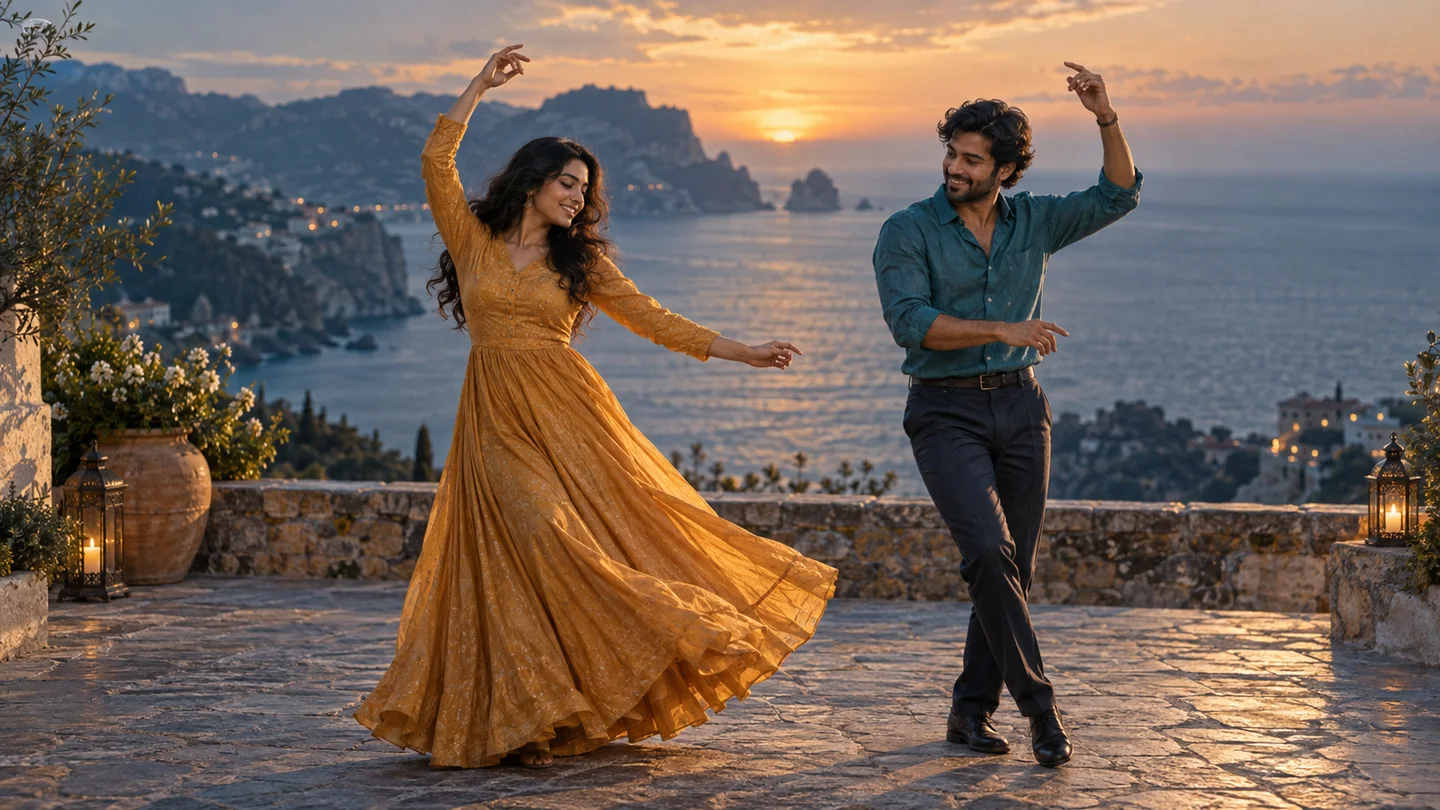
Original concept image. Your generated video will appear here.
SEE HOW THE REFERENCES COME TOGETHER
Two portraits. One Chuttamalle AI video.
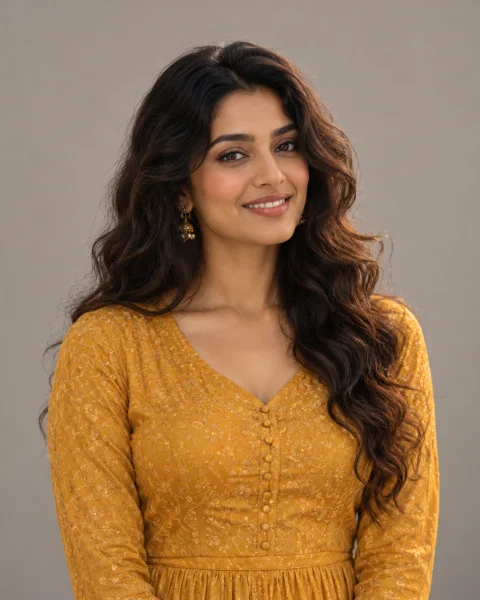
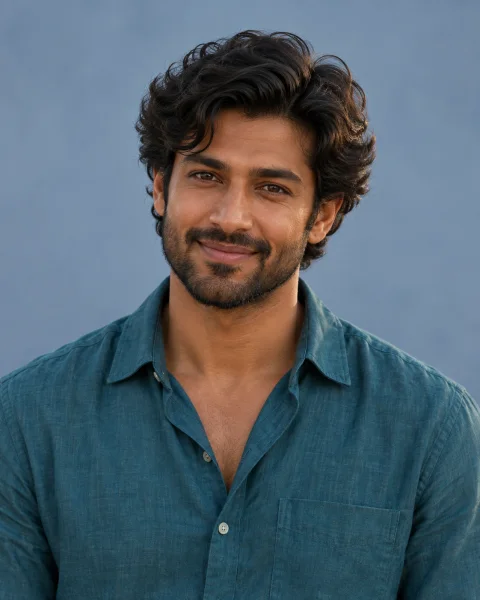
Two portraits give your Chuttamalle AI video separate identity references. The preset guides the shared scene and movement. These fictional images illustrate the workflow; they are not a recorded generation test.
WATCH THE DUO FORMAT
Chuttamalle AI video inspiration
Planning your Chuttamalle AI video? Watch these duo references for casting ideas, then create your own coastal dance from two portraits.
Hotel Lobby references from AIReel, also shown on Migos AI. These are not Chuttamalle AI video outputs or selectable presets. Our studio creates an original coastal dance.
Original examples on AIReelFROM PORTRAITS TO PERFORMANCE
How to make a Chuttamalle AI video
Start your Chuttamalle AI video with two portraits. Choose your people and frame; the preset guides the dance.
- 01
Choose your two people
Use a clear, front-facing photo of each adult. Even lighting and an unobstructed face give the model more to work with.
- 02
Pick a frame. Make it move.
Choose a portrait or landscape frame, confirm permission, and generate your Chuttamalle AI video. Your two photos guide a new dance scene.
- 03
Watch it. Keep your take.
Watch your Chuttamalle AI video from start to finish. Check both faces and the movement, then download it. Add an authorized soundtrack separately in your editor.
BETTER REFERENCES, CLEARER FACES
What makes a good Chuttamalle AI video reference?
- CLEAR FACE
Pick your Chuttamalle AI video portraits
Use a sharp portrait with space around the head and shoulders. A front-facing photo makes details easier to compare in your Chuttamalle AI video. Check for accidental crops before submitting.
- EVEN LIGHT
Keep lighting and detail consistent
Soft, even light keeps facial features visible. Avoid heavy filters and dark pictures. Your portraits can have different backgrounds: Chuttamalle AI builds a shared scene from separate references.
- TWO SEPARATE REFERENCES
One person in each photo
Use one adult per upload slot. Group photos can make the intended subject ambiguous. For your Chuttamalle AI video, confirm both people agree to the edit. Swap the slots before generating if needed.
MAKE IT YOUR SHARED MOMENT
Make the next Chuttamalle AI video yours
 CONCEPT IMAGE
A playful clip with a friend
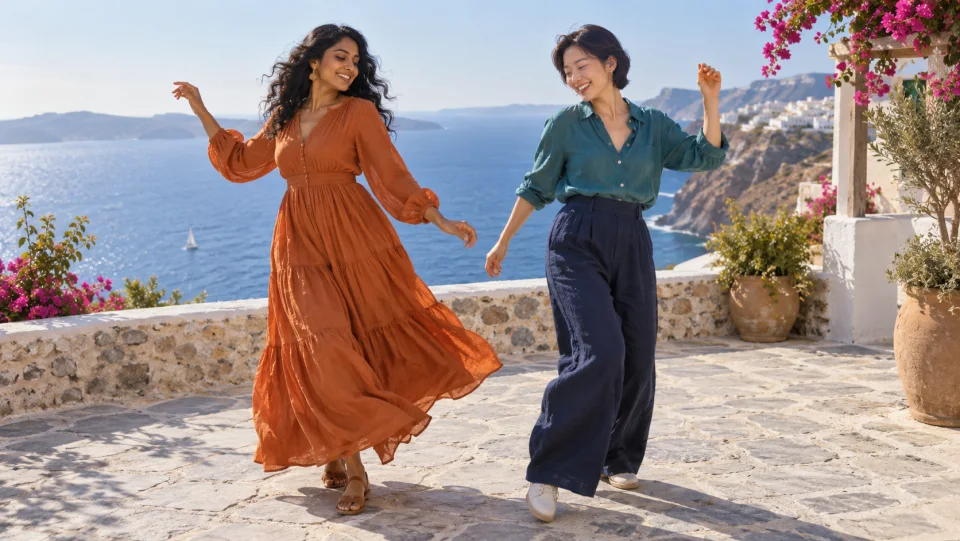
Bring a friend into your Chuttamalle AI video, even when your portraits were taken miles apart. Make a keepsake for your group chat. The coastal friends image is an original illustration.
CONCEPT IMAGEA personal celebration edit
Make a Chuttamalle AI video part of a birthday or anniversary edit for two consenting adults. Add your own greeting and suitable music after downloading. Share a preview privately with the other person before publishing your finished edit.
Explore an original dance scene
Explore a Chuttamalle AI video as an original dance interpretation. Compare faces, hand movement and framing throughout the clip. The preset guides a coastal duet; exact choreography and facial likeness can vary between takes.
FRAME YOUR SHARED MOMENT
A Chuttamalle AI video for your screen
Choose your Chuttamalle AI video frame before generating. Landscape gives the duo more room; portrait suits a vertical screen. The illustration previews proportions, not final model framing.
Review both people from beginning to end. Keep the original download before trimming your Chuttamalle AI video or adding a soundtrack in another editor.
Set up my Chuttamalle AI video16:9A GOOD PLACE TO START
Chuttamalle AI video guides
What is Chuttamalle AI video?
Understand the search term, the trend and two-photo video generation.
Chuttamalle AI video tutorial
Photo tips, a step-by-step workflow and what to check in your result.
Chuttamalle AI song video guide
Plan a Chuttamalle AI song video with your own visuals and a separately chosen soundtrack.
Before you make your move.
How does Chuttamalle AI video generation work?
A Chuttamalle AI video uses two portrait photos as references for a new duo dance. You choose the people and frame; a preset describes the scene and movement.
Does Chuttamalle AI video generation need a source clip?
No. This studio starts with two photos. It does not swap faces into an original clip or require you to upload a source video.
Can I make a Chuttamalle AI video for free?
You can choose, preview and swap your photos for free. Video generation requires credits, and the cost is shown before you submit. Free photo setup does not include a free generated video.
Can I make a Chuttamalle AI song video with music?
Create your original dance clip here, then add music you have permission to use in another editor. A Chuttamalle AI song video does not include the original song recording or guarantee its exact choreography.
Which photos work best for a Chuttamalle AI video?
Use one clear adult portrait per slot, facing the camera, with even lighting. Avoid group photos, heavy filters, sunglasses and tiny faces. Choose JPG or PNG files up to 10 MB each.
What if my Chuttamalle AI video fails?
Credits are returned for confirmed failed generations. If a request is still being checked, follow its saved status instead of creating another. Your recent tasks remain available after signing in.
Is this Chuttamalle AI video generator official?
No. This is an independent AI creation tool. It is not affiliated with the original song, film, performers or rights holders.
Looking for “janvi kapoor ai video”?
This independent tool is for your own authorized portraits. The gallery contains labeled references from another template. It does not offer a celebrity-specific creation mode or claim an affiliation with the performer.